
The world of gaming has evolved tremendously over the years, and with it, the demand for high-performance gaming PCs has skyrocketed. For gamers who are serious about their craft, building a custom gaming PC is not just a hobby; it’s an art form. In this article, we will explore the essential components, the building process, and tips to ensure that your gaming rig not only meets but exceeds your expectations.
Understanding the Core Components
When embarking on the journey of building a gaming PC, it’s crucial to understand the core components that make up the system. The primary components include the CPU (Central Processing Unit), GPU (Graphics Processing Unit), RAM (Random Access Memory), motherboard, storage, and power supply. Each part plays a vital role in the overall performance of your gaming rig.
The CPU is often referred to as the brain of the computer, executing instructions and managing tasks. For gaming, a powerful CPU is essential to ensure smooth gameplay, especially in CPU-intensive games. Popular choices include Intel’s Core i7 series and AMD’s Ryzen 7 line.
Equally important is the GPU, which is responsible for rendering images and graphics. Gamers often invest heavily in a high-quality GPU, such as NVIDIA’s RTX series or AMD’s Radeon RX series, to achieve high frame rates and stunning visuals. According to recent benchmarks, a good GPU can significantly enhance the gaming experience, making it a priority in any build.
Choosing the Right Motherboard
The motherboard is the backbone of your gaming PC, connecting all components together. When selecting a motherboard, consider factors like compatibility with your CPU, number of RAM slots, and expansion options. Brands like ASUS, MSI, and Gigabyte offer a range of motherboards that cater to various needs and budgets.
It’s also essential to choose a motherboard that supports the latest technologies, such as PCIe 4.0 and USB 3.2, to future-proof your investment. Additionally, features like built-in Wi-Fi and Bluetooth can enhance connectivity, providing a more seamless gaming experience.
Storage Solutions: SSD vs. HDD
In today’s gaming landscape, having fast and reliable storage solutions is critical. Traditional Hard Disk Drives (HDDs) are gradually being replaced by Solid State Drives (SSDs) due to their speed and performance. SSDs are significantly faster, allowing for quicker boot times and faster loading screens, which can be a game-changer in competitive gaming.
Consider using a combination of both by installing your operating system and favorite games on an SSD for speed, while using an HDD for larger files and backups. This hybrid approach allows for optimal performance without sacrificing storage capacity.
The Importance of Cooling Systems
As high-performance components generate a considerable amount of heat, effective cooling solutions are essential to maintain optimal performance and longevity. There are two main types of cooling systems: air cooling and liquid cooling. Air coolers are generally easier to install and maintain, while liquid cooling systems can offer superior cooling performance.
Investing in a quality cooling system not only keeps your components safe but also reduces noise levels, creating a more enjoyable gaming environment. Brands like Noctua and Corsair provide excellent cooling solutions tailored for gamers.
Final Touches and Aesthetics
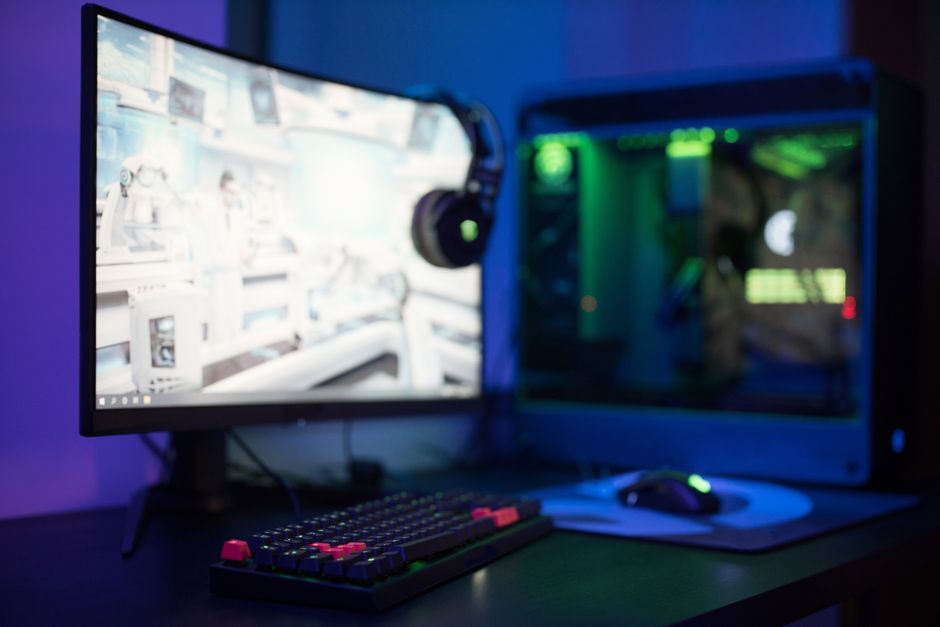
Once you’ve assembled your gaming PC, it’s time to consider the aesthetics. Many gamers take pride in showcasing their builds, often incorporating RGB lighting, custom cases, and cable management solutions. These final touches can enhance the overall experience, making your gaming rig as visually stunning as it is powerful.
Additionally, customizing your setup with peripherals like gaming keyboards, mice, and monitors can further elevate your gaming experience. A well-rounded setup not only enhances performance but also adds a personal touch that reflects your style.
For those who prefer a more guided approach, utilizing a gaming PC builder can simplify the process. These tools help ensure compatibility among components and provide valuable insights into pricing and performance.
Conclusion
Building a gaming PC is an exciting venture that allows for customization and personalization. By understanding the core components and their roles, selecting the right parts, and considering factors like cooling and aesthetics, you can create a gaming rig that not only meets your needs but also enhances your gaming experience. Whether you’re a casual gamer or a competitive player, a well-built gaming PC can make all the difference.